Are you staring at your Facebook search box right now, wondering about that little grey clock symbol that just popped up? You’re probably here because you want to know what this symbol means and why it’s showing up in your searches.
Maybe you’re concerned about your privacy, or you’re just curious about how Facebook is tracking your activity. Whatever your reason, you’ve come to the right place for answers.
Let’s cut through the mystery and get straight to the point. That grey clock symbol is actually a helpful feature designed to make your Facebook experience smoother. It’s not something to be worried about, but rather a tool you can use to your advantage.
In the next few minutes, we’re going to break down exactly what this symbol means, how it works, and how you can use it to make your Facebook searches quicker and more efficient.
What is Facebook’s search history feature?
When you’re typing in Facebook’s search box and see that grey clock symbol, you’re looking at the search history feature in action. Here’s what you need to know:
This feature is all about remembering your past searches. Every time you look for something on Facebook – a person, page, group, or event – Facebook keeps track of it.
The grey clock appears next to suggestions that match your previous searches. It’s Facebook’s way of highlighting things you’ve looked up before.
This can be really helpful when you’re trying to find something you’ve searched for in the past but can’t quite remember the full name. Instead of starting from scratch, you can quickly spot and select your previous search.
It’s important to understand that this feature works for all types of searches on Facebook, not just people. So whether you’re looking for a friend, a local business page, or a hobby group, the grey clock might pop up to help you out.
The whole point of this feature is to make your Facebook searches faster and more efficient. It’s designed to save you time and help you find what you’re looking for with less effort.
How does the grey clock symbol work?
Let’s break it down for you:
- As you start typing in the search box, Facebook begins to suggest results.
- If any of these suggestions match something you’ve searched for in the past, you’ll see the grey clock symbol next to it.
- This symbol appears next to both people and pages you’ve previously looked up.
It’s like having a little personal assistant keeping track of your Facebook searches. Neat, huh?
Why is this feature useful?
Now, you might be wondering, “Why should I care about this clock symbol?” Well, it’s actually pretty useful for a few reasons:
- It saves you time: Instead of typing out a full name or scrolling through endless results, you can quickly spot and click on a previous search.
- It helps jog your memory: Can’t remember the exact name of that cool page you found last week? The clock symbol might just remind you.
- It keeps your searches organized: It’s an easy way to keep track of the people, pages, and groups you’re interested in without having to bookmark everything.
Managing your search history on Facebook
Now that you know what that grey clock means, you might be thinking about your search privacy. Don’t worry, Facebook’s got you covered there too. You can easily manage your search history:
- Click on the search bar at the top of your Facebook page.
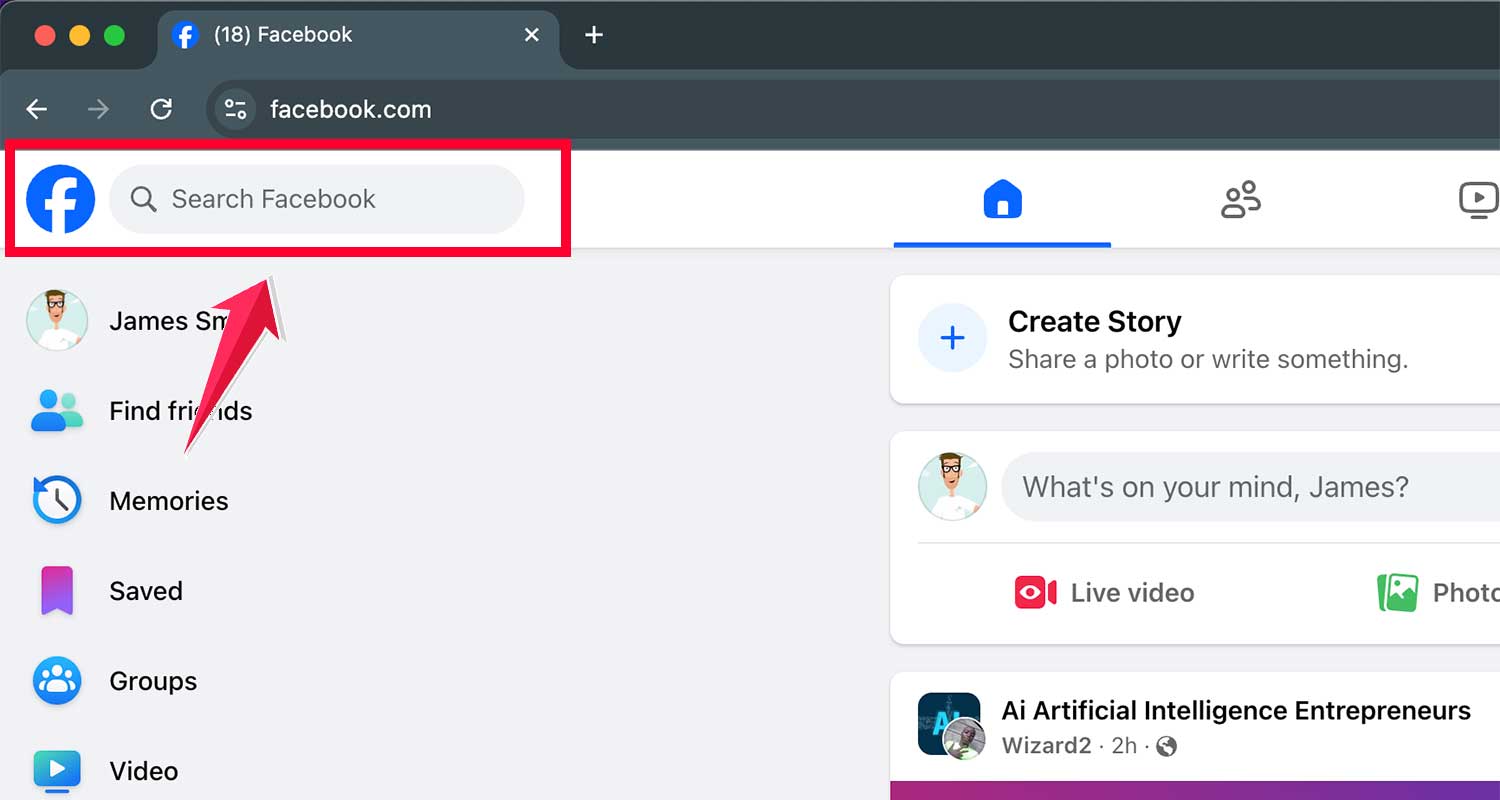
- You’ll see a list of recent searches. Look for the “Edit” button on the right.

- From here, you can remove individual searches or clear your entire search history.

It’s always good to know you’re in control of your Facebook experience, right?
The bigger picture: Facebook’s symbol language
The grey clock symbol is just one small part of Facebook’s visual language. The platform uses all sorts of symbols to help you navigate and interact. From the thumbs-up “Like” to the little globe for notifications, these symbols make using Facebook more intuitive and, let’s face it, more fun!
The takeaway
So there you have it, mystery solved! That grey clock symbol in your Facebook search box is your friendly reminder of past searches. It’s there to make your Facebook experience smoother and more personalized. Next time you see it, you’ll know exactly what it means and how to use it to your advantage.
Remember, Facebook is always evolving, adding new features and symbols to improve user experience. Staying curious and exploring these little details can help you get the most out of your social media time. Happy Facebooking, and may your searches always be swift and successful!